Wedding Guest Photo Upload: No App, No Login, No Friction
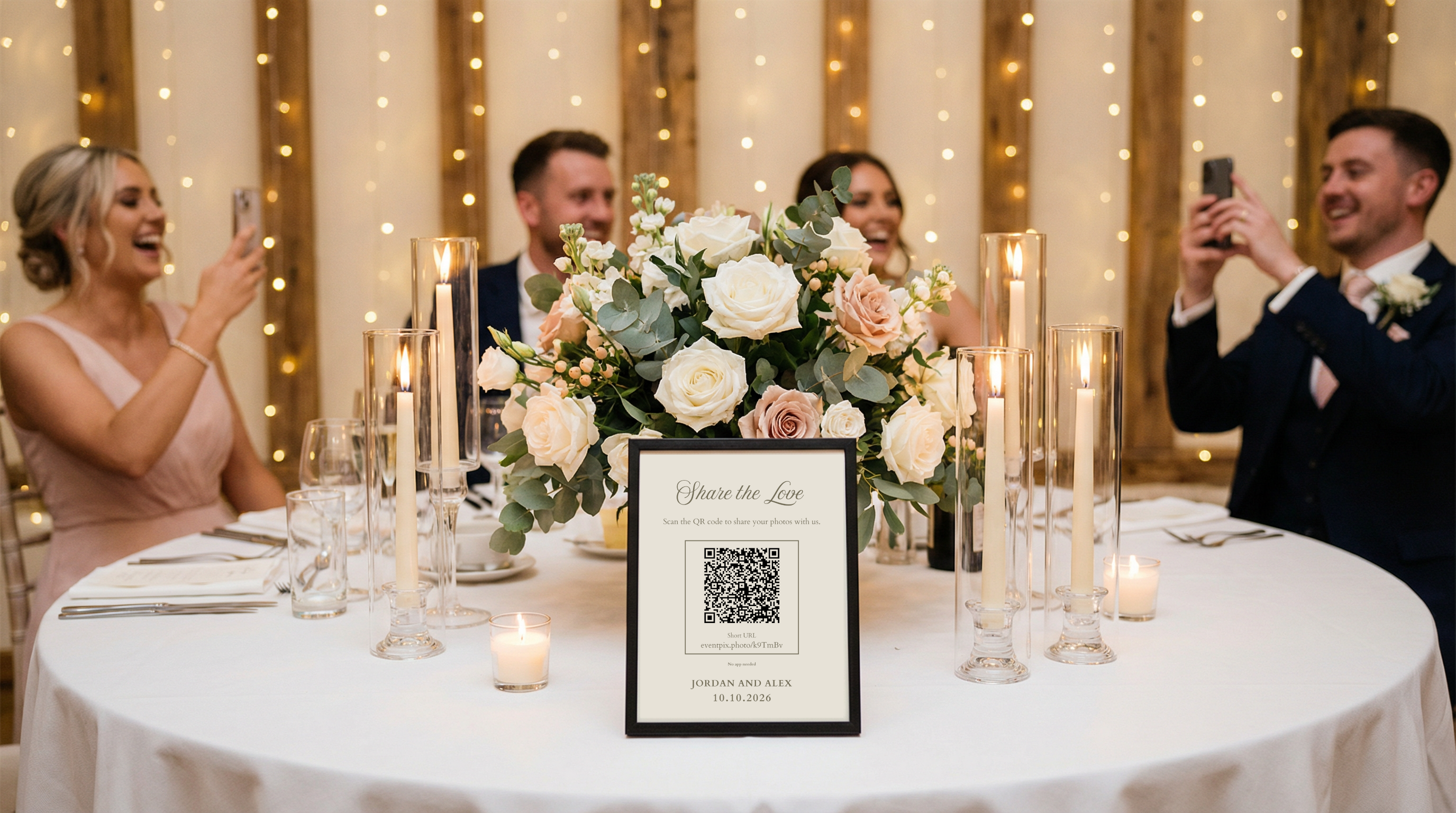
Want more guest photos? Skip the app download. Use a QR code that opens a browser upload page so guests can share photos in seconds, no login required. This guide shows the best setup, signage wording, placement tips, and common fixes.
Wedding Guest Photo Upload: No App, No Login, No Friction
Quick Answer
The easiest way to get more guest photos is to remove the app download. A QR code should open directly to a browser upload page where guests can pick a photo and upload in seconds. No account. No login. No confusion. When you reduce steps, participation typically increases dramatically.
Ready to use a no-app flow? Create a VowSpace wedding website and enable guest photo upload.
Why App Downloads Reduce Wedding Guest Photo Uploads
Most guests are happy to share photos, but they will not jump through hoops. App downloads introduce extra steps and uncertainty: installation time, permissions, account creation, and password friction. Every added step causes drop-off, especially for older guests or anyone who just wants to enjoy the moment.
What "No App" Wedding Guest Photo Upload Looks Like
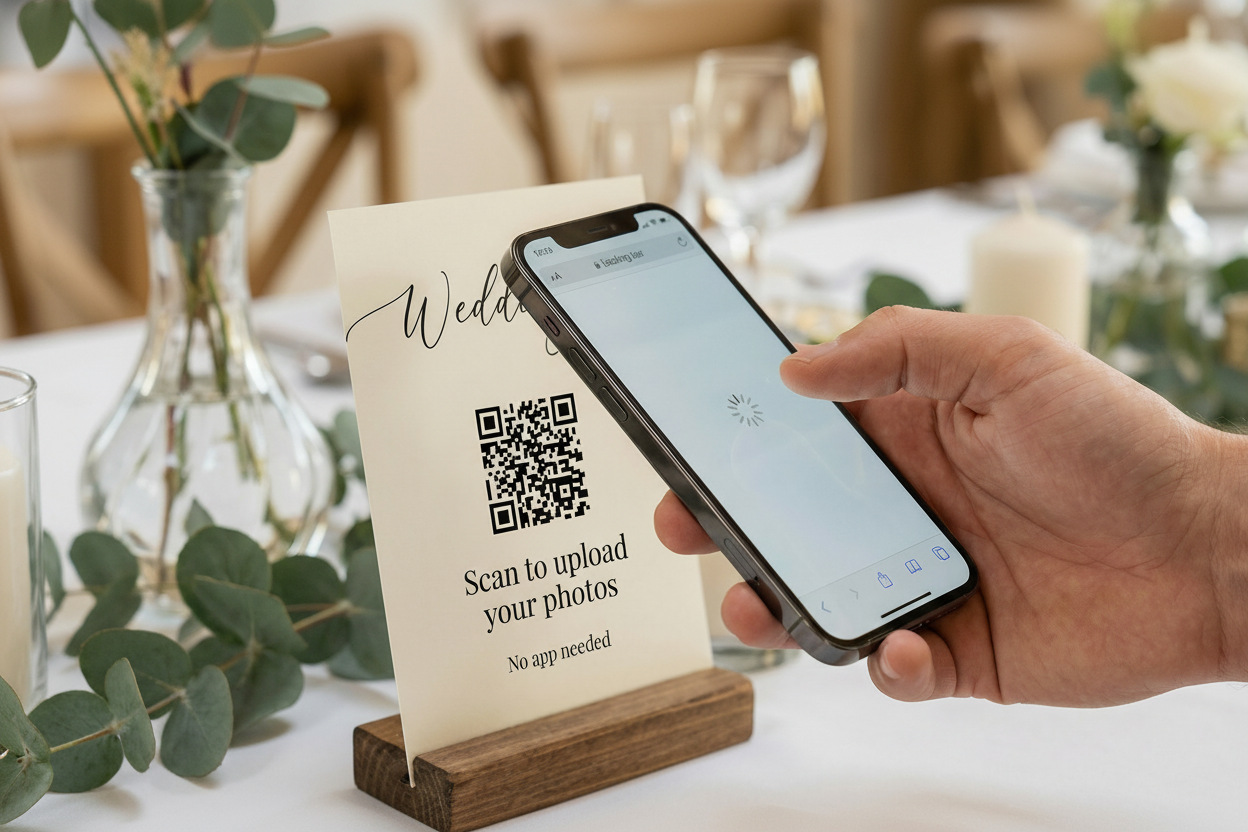
Guest experience
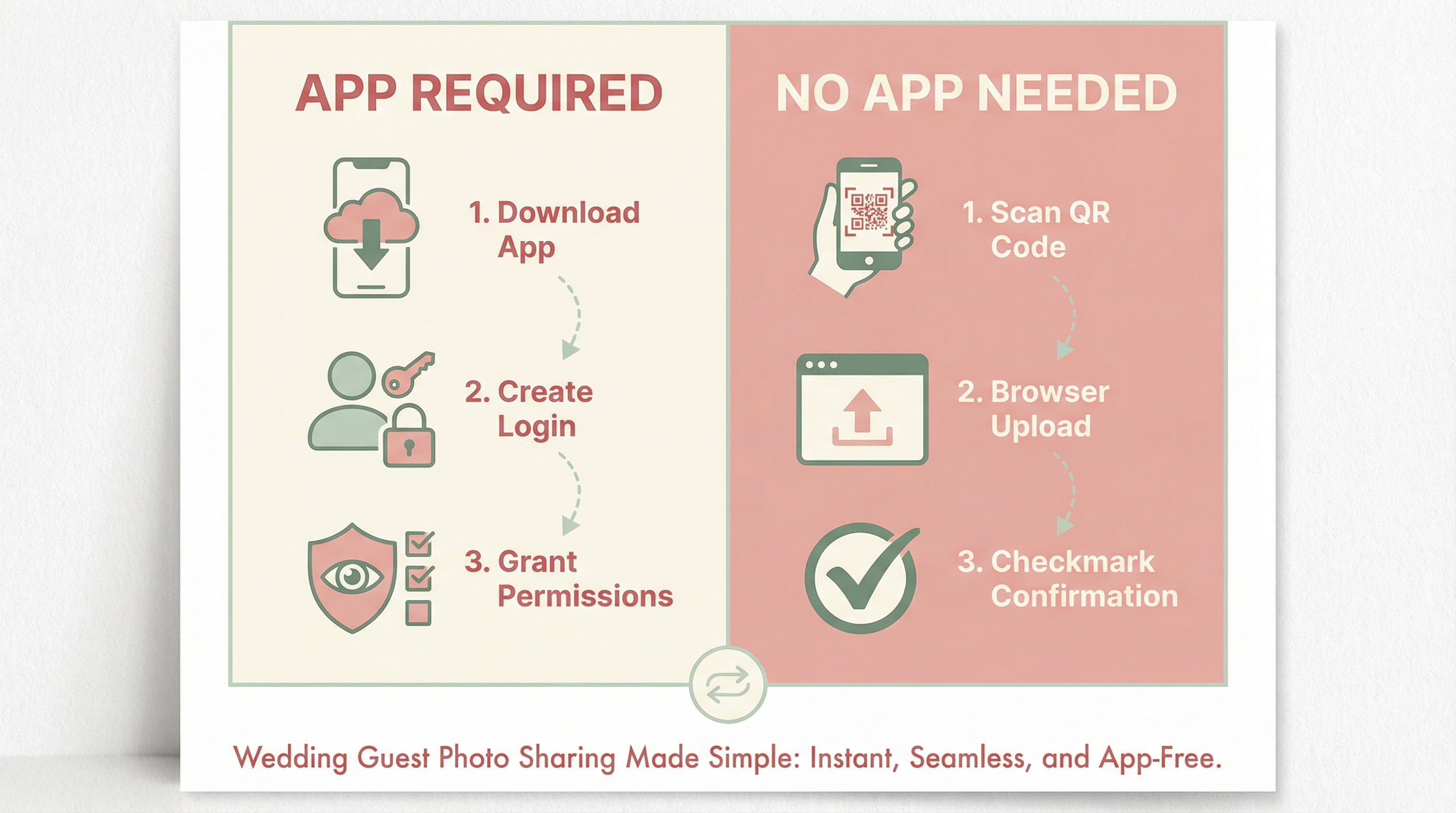
Guest scans your QR code
A link opens in their phone browser
They tap “Select photo”
They choose from their camera roll
Upload completes and they see a confirmation message
App-based experience (what you are avoiding)
Scan QR code
Get prompted to download an app
Wait for install
Open app and accept permissions
Create an account or log in
Finally upload
Browser Upload vs App Upload
Feature | Browser upload (no app) | App-based upload |
|---|---|---|
Download required | No | Yes |
Account required | Usually no | Often yes |
Time to first upload | Typically under a minute | Often several minutes |
Works for non-tech guests | Much easier | More confusing |
Phone storage concerns | None | Common |
Why "No App" Works
Fewer steps means more uploads
Guests already have their camera and photos ready. When the upload happens in the browser, the action feels instant, familiar, and low-risk.
No passwords or permissions drama
App permissions and logins make guests hesitate. Browser upload keeps the moment simple.
Nothing to install, nothing to keep
Guests do not want a one-time-use app. A web upload does not add clutter to their phone.
How to Set Up Wedding Guest Photo Upload the Right Way
Create your album or upload page. Choose a solution that supports browser-based uploads.
Generate a QR code that opens directly to the upload page.
Print the QR code on signage where guests naturally see it.
Make it obvious it is no-app. Tell guests they can upload instantly.
Remind guests more than once. A quick announcement helps a lot.
If you want an all-in-one option that is designed for weddings, you can use VowSpace to set up guest photo upload with a no-app QR flow and keep everything organized.
What to Print on Your QR Sign
Use simple, direct wording. The goal is instant confidence.
“Share your photos here” (Scan to upload)
“Upload your pics” (No app needed)
“Scan to share” (Takes under a minute)
Tip: Add a short line that removes hesitation, like “No app needed” or “No login required.”
Placement Tips to Increase Uploads

Put QR codes on tables and near the bar
Add one at the entrance and one near the dance floor
Use the same QR everywhere so guests do not get confused
Consider a small sign near the guestbook or card box
Common Issues and Easy Fixes
What if the venue WiFi is bad?
Browser uploads still work on mobile data. If the venue has weak signal, place signage where reception is strongest and keep expectations realistic. Uploads may take longer, but they still work.
What if older phones do not scan QR codes?
Most phones scan QR codes today. For extra safety, print the short URL under the QR code so guests can type it in.
What about iPhone and Android?
A browser-based flow works on both. Your QR code should open a standard web page that supports mobile uploads.
Privacy and Moderation
Couples often want to know how to keep things appropriate and organized. Look for an option that makes it easy to manage uploads and keep your album clean. Even if you keep the experience no-login for guests, you can still have controls on the couple side.
FAQ
Do guests really prefer wedding guest photo upload without an app?
Yes. Most guests will share when it is easy. The fewer steps, the better the results.
Should guests be required to create accounts?
Usually no. Account creation increases drop-off. If your goal is maximum participation, keep guest upload simple.
How many uploads should we expect?
It varies based on your crowd, signage, reminders, and connectivity. In general, no-app browser flows tend to produce significantly higher participation than app-based flows.
Plan Your Wedding Photos as Part of the Bigger Timeline
If you are planning month-by-month, this guide can help you place signage, reminders, and vendor decisions in the right order: 12-month wedding planning checklist.
The Bottom Line
If you want more wedding guest photo uploads, remove the app download. A QR code that opens directly to a browser upload page is the simplest, fastest path to participation. Guests upload in seconds, and you collect far more of the moments you would otherwise miss.
If you want a ready-to-go no-app setup built for weddings, start here: VowSpace features.